
Grok has slowly become my favorite day-to-day LLM and a big part of my daily workflow. It’s a joy to use and can do things others currently can’t.
But what makes it so great?
Don’t worry, I’m here to tell you with a way-too-long blog post on exactly this. (And no, it’s not the bikini thing 👙)
My search for the perfect daily use LLM
I play with a lot of AI tools: I’m currently subscribed to ChatGPT Pro ($100/mo), Claude Max x5 ($100/mo), Perplexity Pro ($17/mo), Gemini AI Pro ($19.99/mo) and SuperGrok ($30/mo), so you could say I have a somewhat strong opinion on this topic.
What I believe makes an AI tool good for daily use is:
- Strong MCP + custom connector support (I’m a big fan of MCP) and want to plug my own tools so the agent can connect to my actual stuff
- Isolated Projects are very important to me. Projects with their own memory and the ability to add generated artifacts quickly back in, to dynamically evolve without bleeding into each other
- Async/recurring tasks that can use my connectors and run in the background without me having to be present
- Excellent voice mode that stays smart and doesn’t route to a potato-quality model
- Solid mobile app for on-the-go use
So David, how do the current frontier tools stack up to this? Let’s compare them in order of how much I like them:
The contenders
Claude
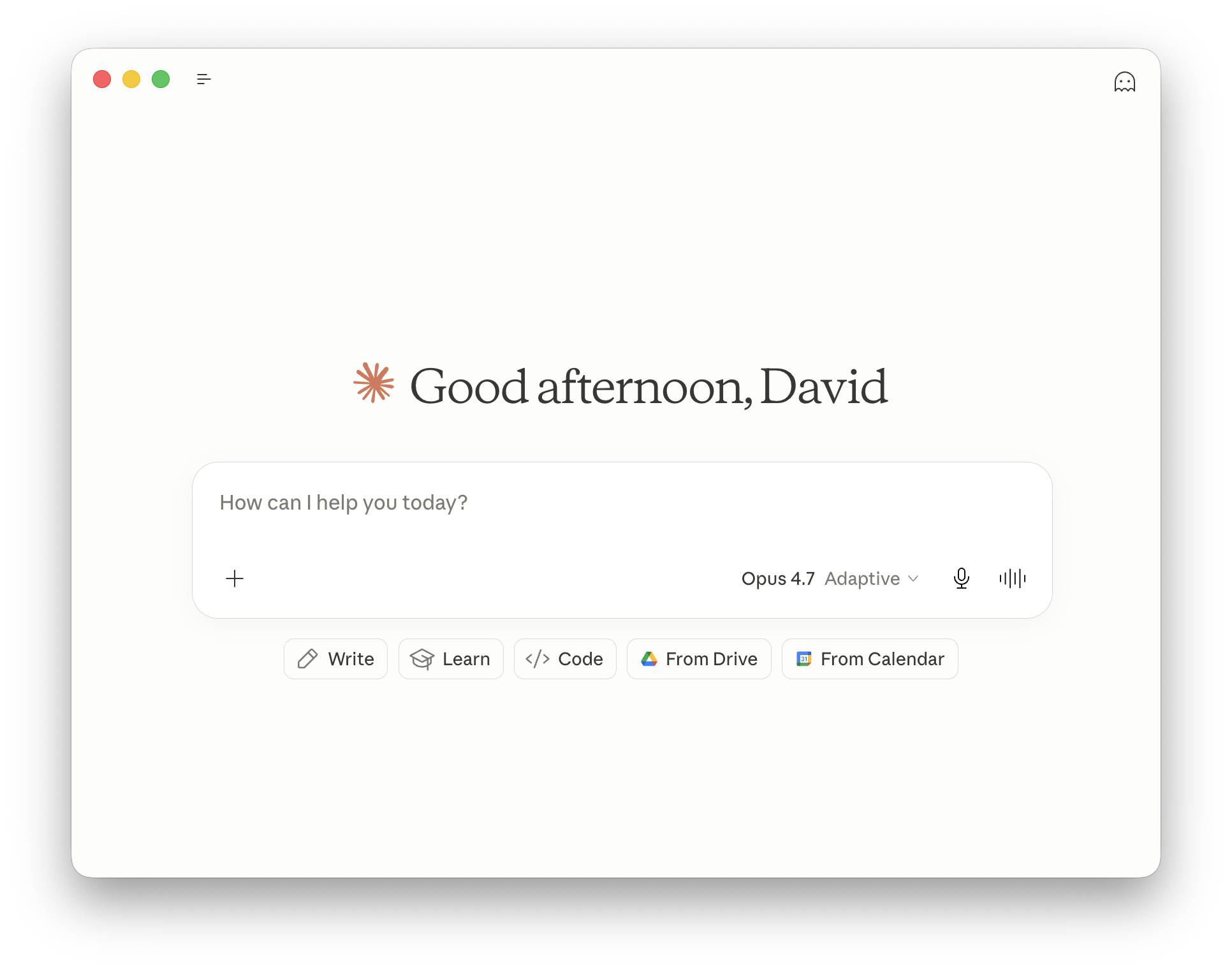
- Best custom connectors + even local MCP support (desktop only)
- Excellent isolated projects + memory system; can add markdown/docs back into a project (on the web)
- Best model for serious work (docs, email, PDFs)
But voice mode is weak (routes to Haiku, can’t use tools), and I’m constantly worried about hitting quota despite the $100/mo plan.
Update: Claude Code in the cloud just launched as a Research Preview, and it includes async routines, which are basically background tasks. They can be scheduled AND they support connectors, which is exactly what I wanted. The one catch: they’re not available in the mobile apps yet, and the chats from these routines don’t show up in normal Claude.ai. But honestly? Still a wish come true.
David all-rounder rating: 4/5: almost there if it had more quota and a better voice mode.
Before Grok this was my daily driver.
Perplexity
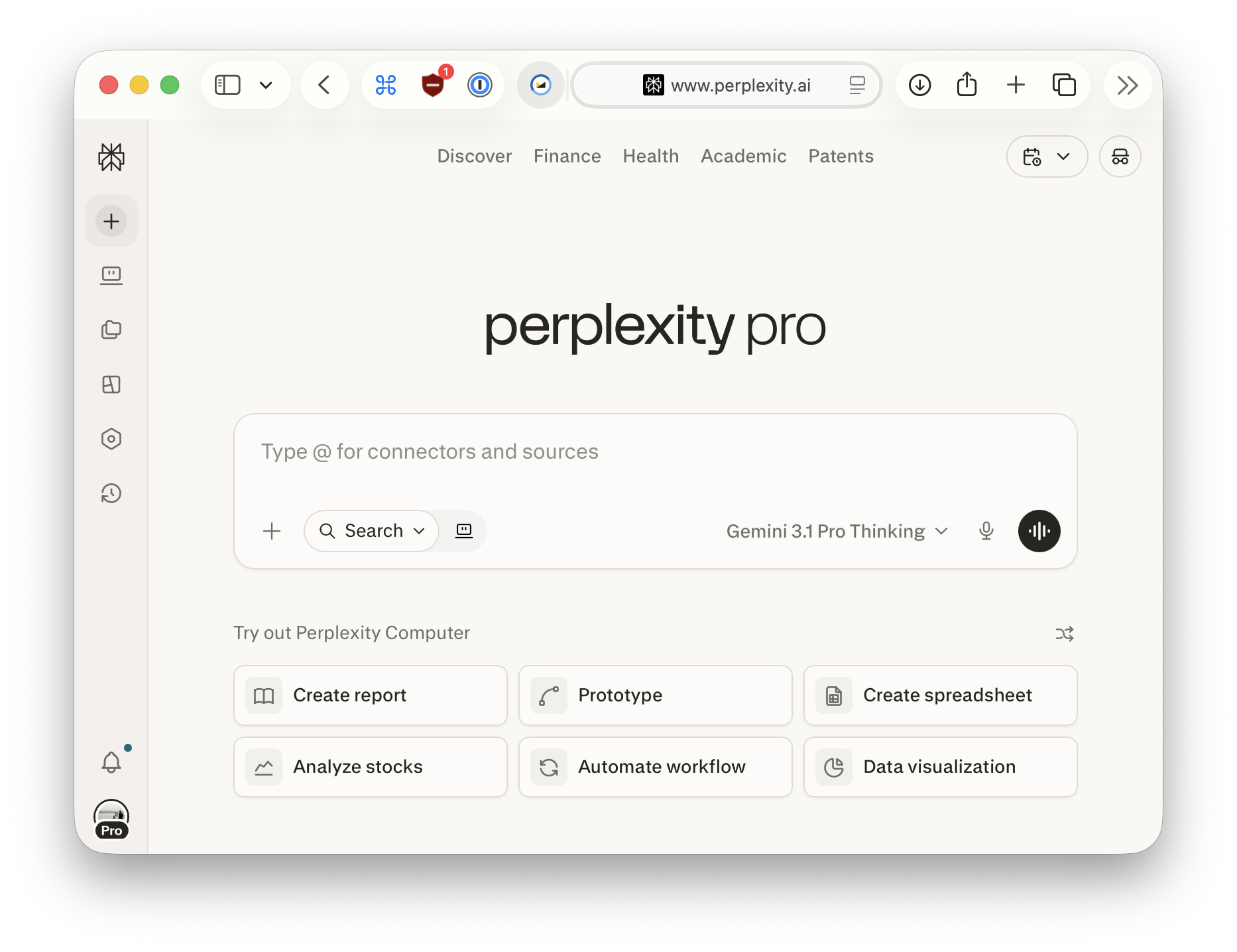
- Very good custom connector support; one of only two services (with Claude) that supports local MCP via desktop app
- Can use almost every model + deep research is excellent
- Async scheduled tasks that run in the background!! (yes please!! finally)
- Save conversations to projects (though not artifacts)
But connectors don’t work in mobile apps or tasks (for whatever reason? they’re displayed, I just can’t select them), new macOS app dropped local MCP, constant upsell to Perplexity Computer, very limited tool calls per request in non-research mode so not great for agentic long-running things. Voice mode isn’t good and can’t use tools.
David all-rounder rating: 3/5 — close but too many weird gaps.
Perplexity is so close to being good, it just needs custom connectors in the mobile apps and the ability to use them from scheduled tasks. Come on, Perplexity! Add this!
ChatGPT
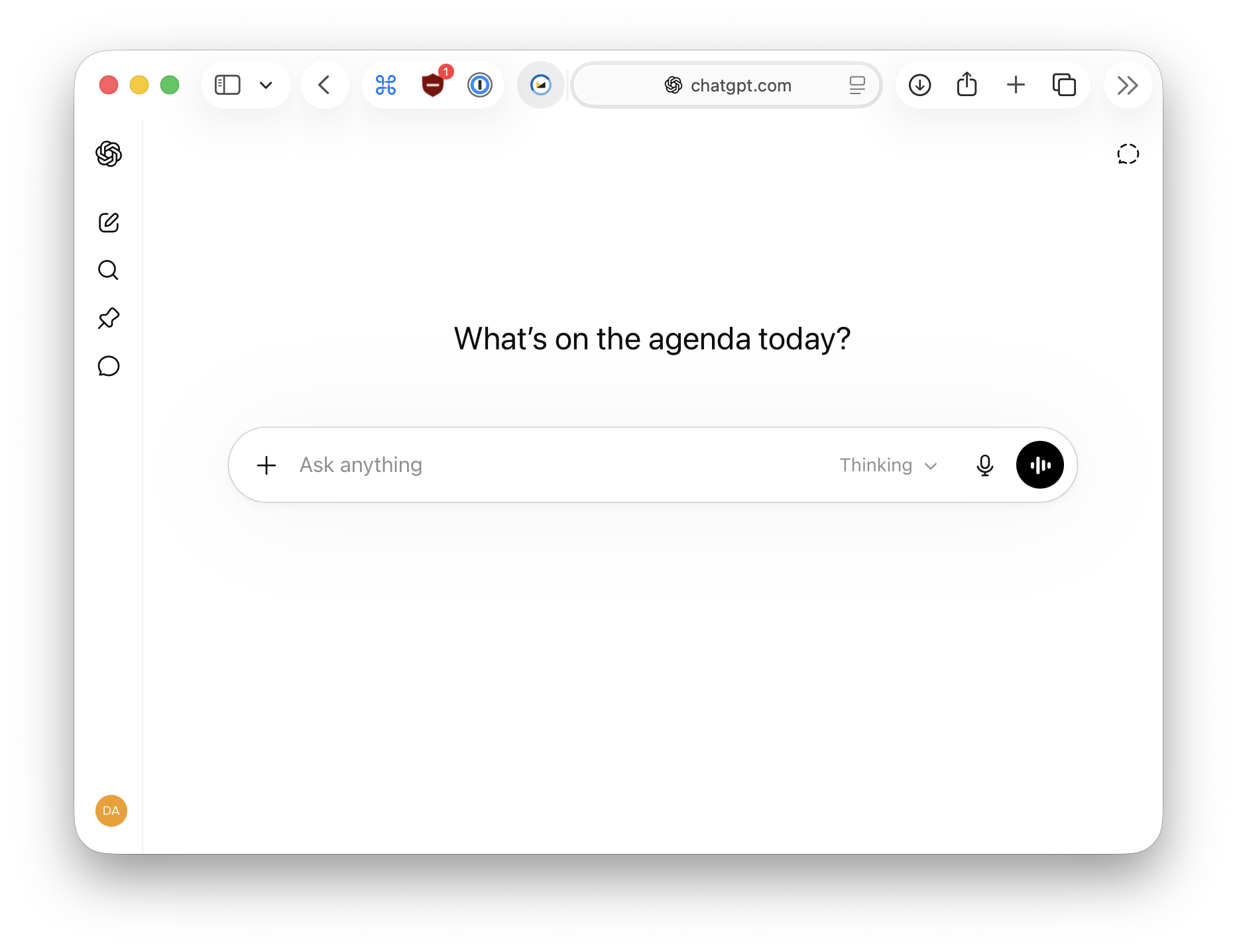
- Projects support shared or isolated memory (I wish the others had this); can add chat responses back as sources (though no files or markdown artifacts)
- By far the most generous quota
- GPT 5.5 Pro is excellent for research, plus image generation and ChatGPT Agent (browser use) makes this a very solid package
But custom connectors require “Developer Mode” (disables memory globally) and there’s no “Approve All”, it asks repeatedly to approve the same tools which makes it unusable for agentic batch tasks. Voice mode is stuck on the weak 4o model and can’t use tools. No tasks.
David all-rounder rating: 3/5 — connector support just isn’t good for serious work, and disabling memory globally just to use custom connectors sucks.
I use it the least, mostly just for research with 5.5 Pro.
Gemini
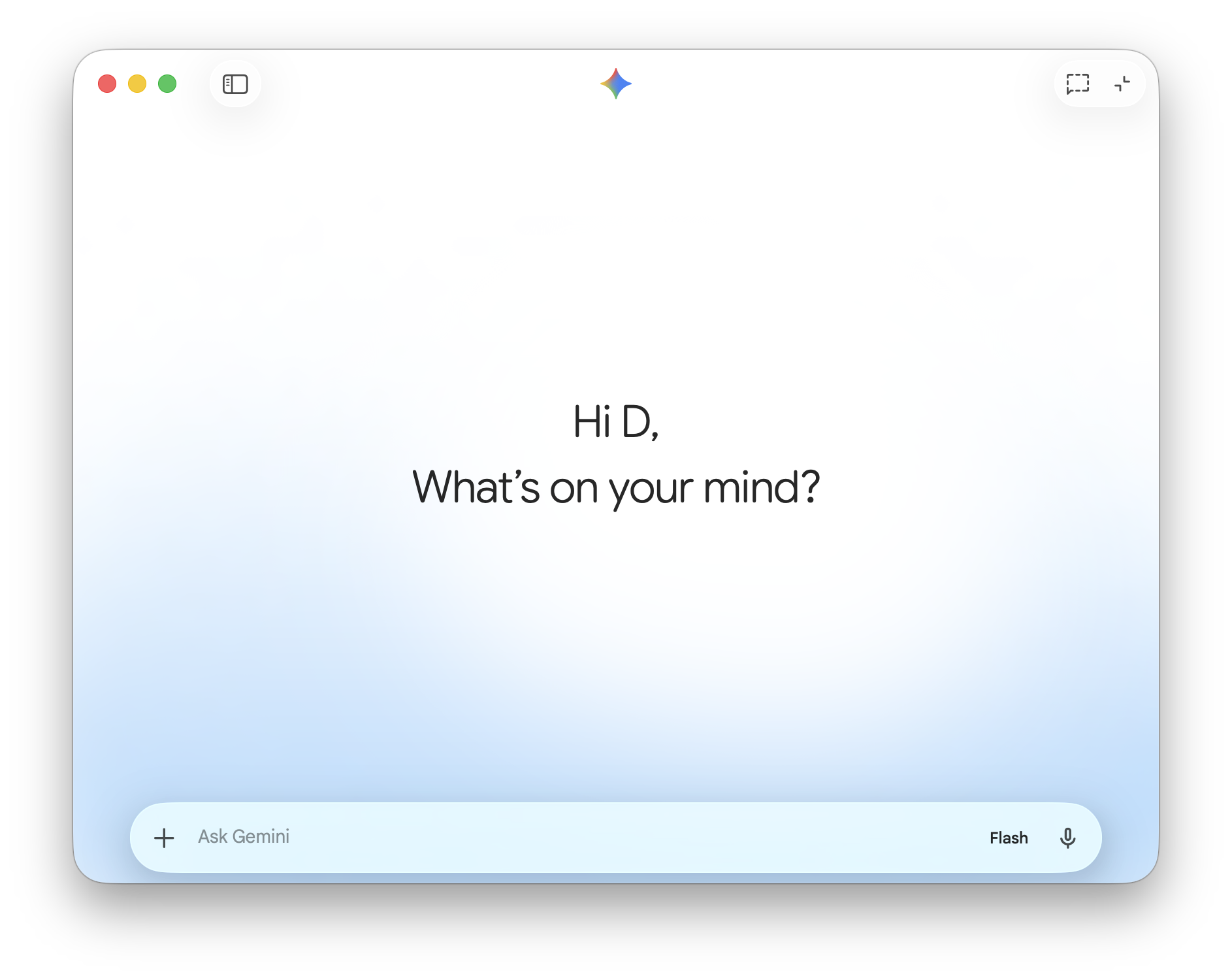
Good voice mode but no custom connector support. Next.
David all-rounder rating: 1/5 — fails every core requirement.
Why Grok took the throne
Grok hits almost every requirement I listed earlier:
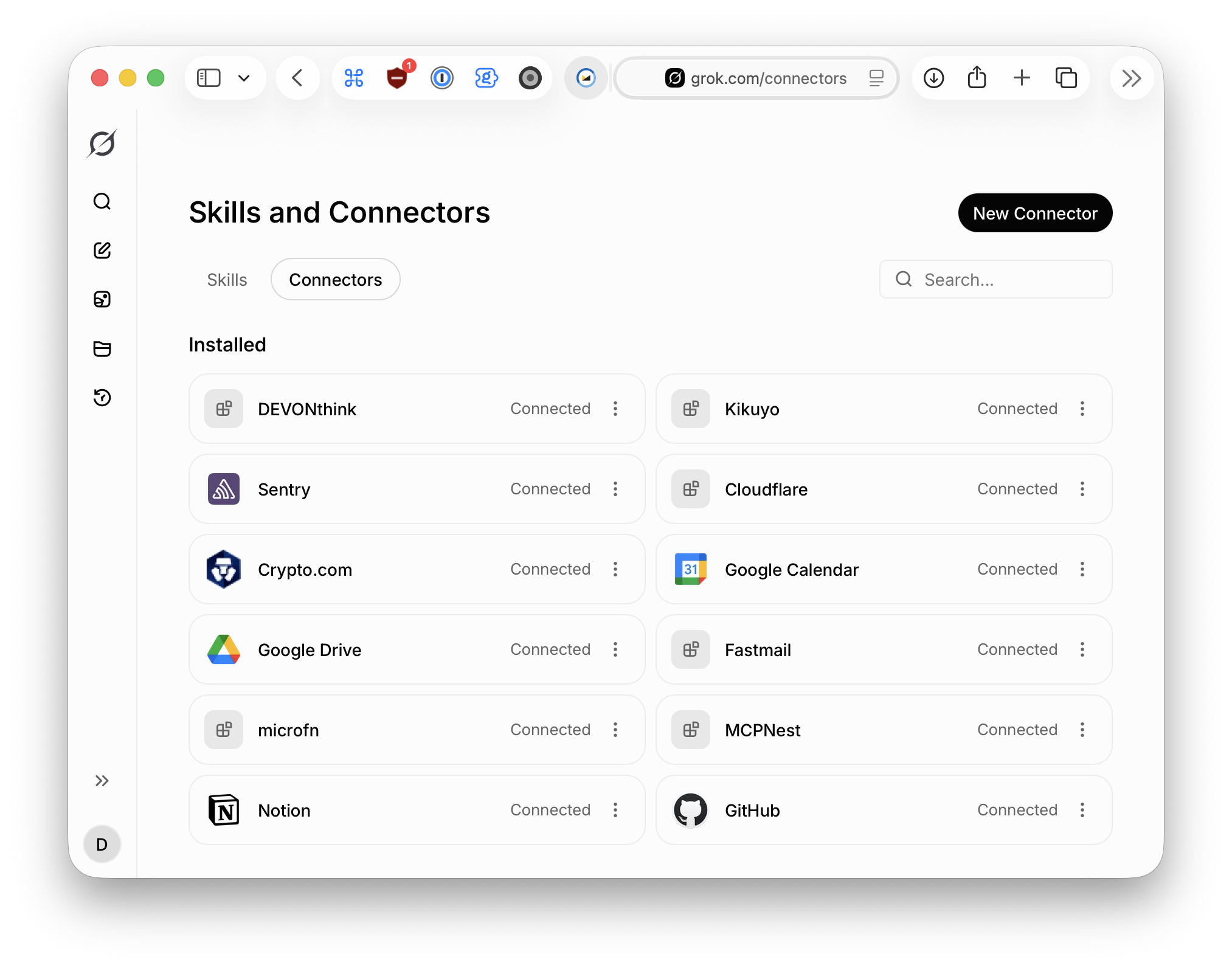
- Excellent custom connector support (next only to Claude) with dynamic tool discovery (no context pollution) and full mobile tool access
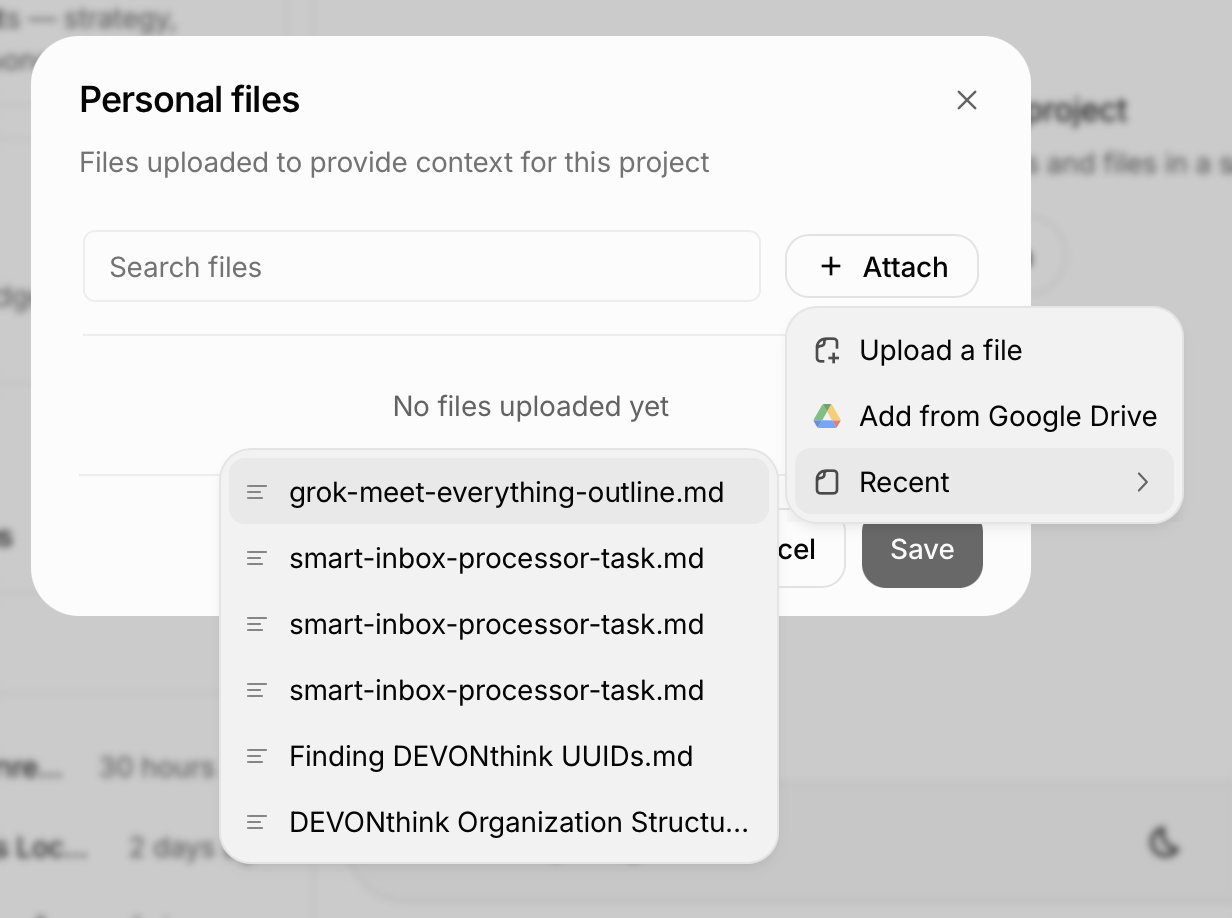
- Project isolation with per-project connectors and easy-ish file addition (still more clicks than Claude)
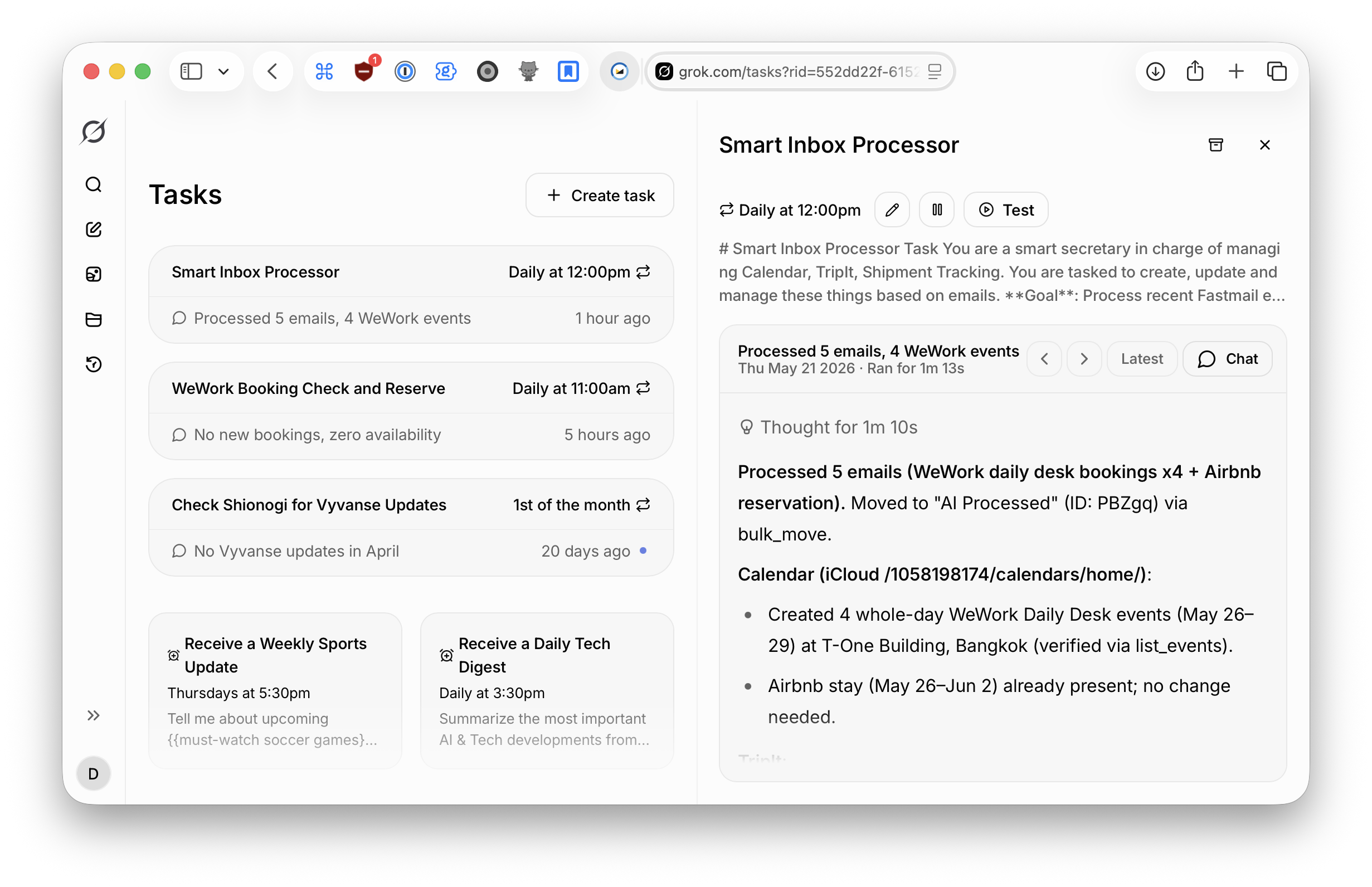
- Async scheduled tasks that can use any connected tool (I shut down OpenClaw because of this)
- The best voice mode out of the bunch, only Gemini comes close.
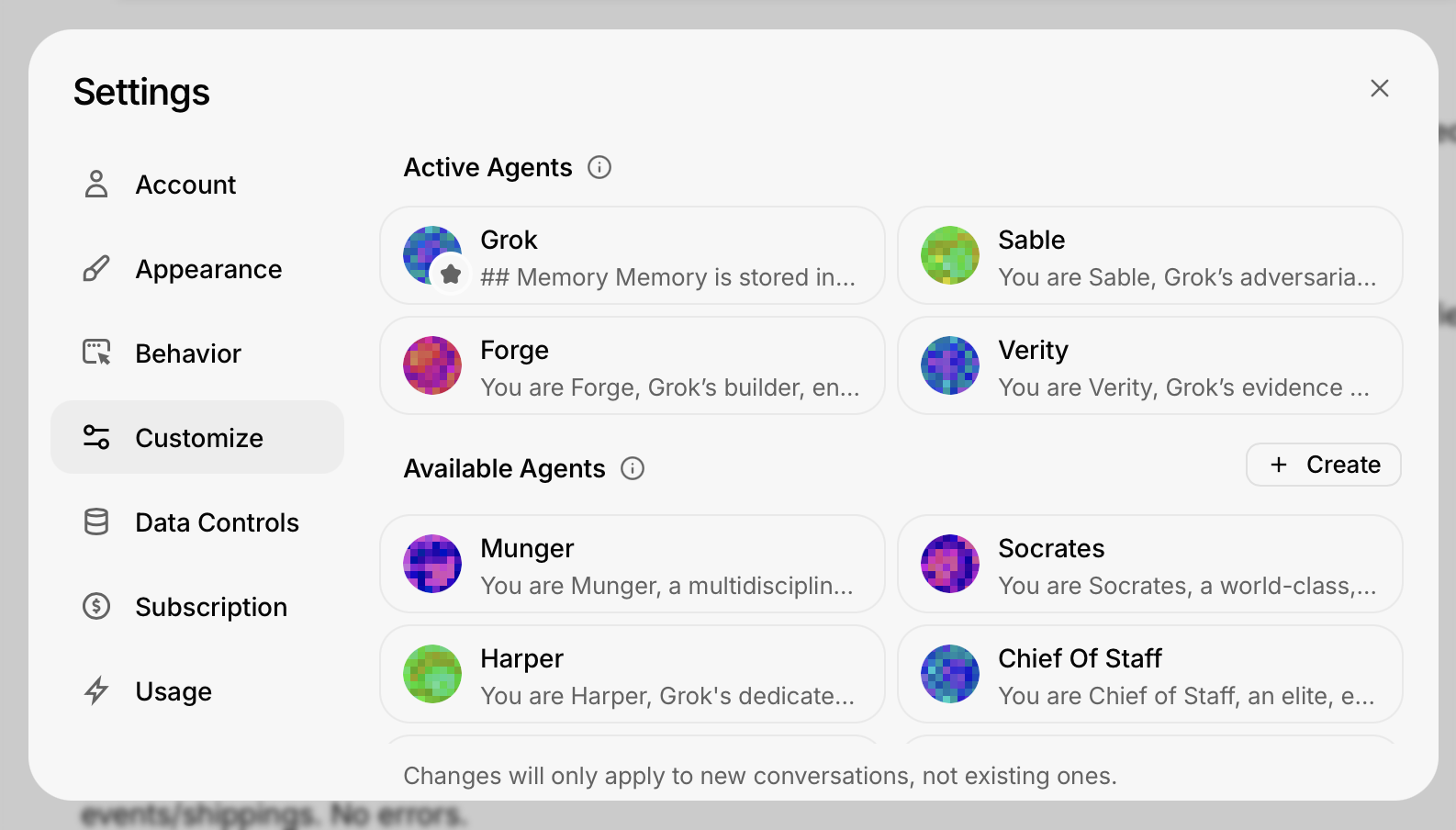
- Only provider with Agent Council: Expert Mode spawns up to 4 parallel agents with different system prompts that discuss and double-check the query before answering
What’s missing:
- No project support in mobile apps. Files added to a project simply vanish from the apps
- No voice mode inside projects
- Voice mode can’t use tools
- Connector support is still new, so many MCP servers fail due to missing dynamic client registration
- No approval system. Grok can use any available tool without asking; you can only disable tools completely, never get per-call approval
This is why Grok took the throne.
Grok, meet everything
I use Grok a lot, it’s such a crucial part of my workflow. All of this is made possible by Custom Connectors and good support for it.
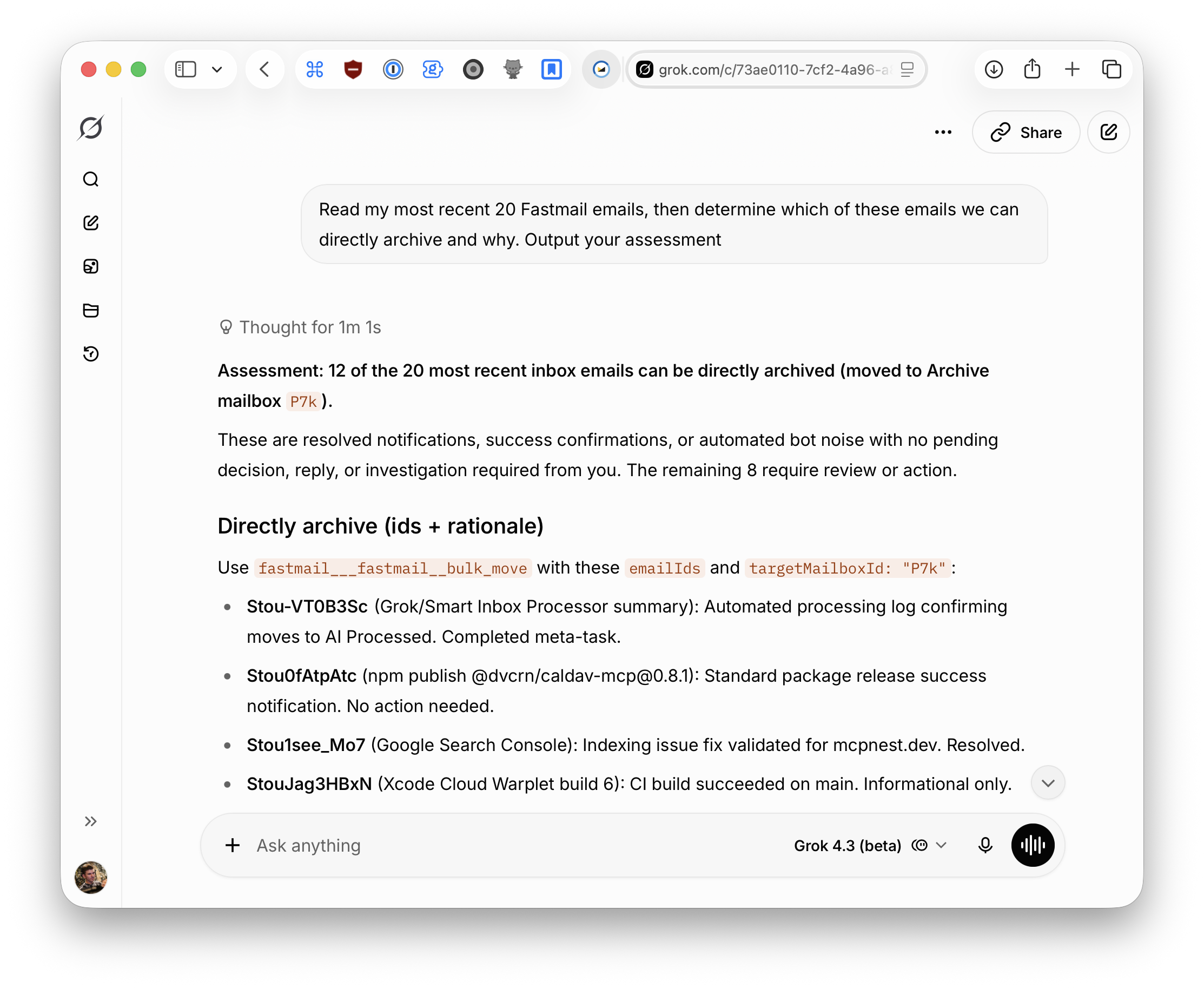
Grok for emails
I use Grok to classify and act on my email inbox. Some of this is even automated in recurring tasks, making my day to day processing much easier.
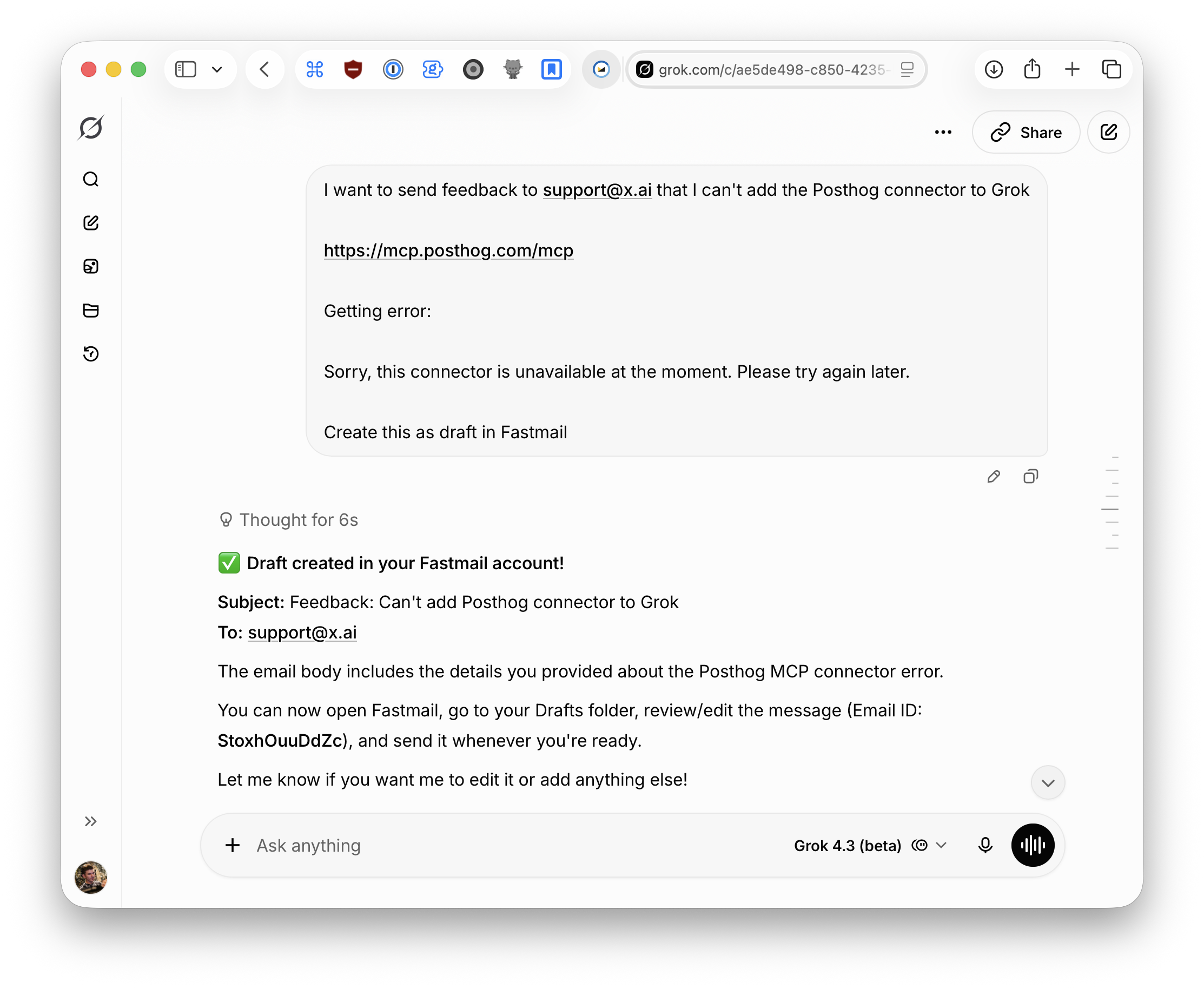
I even use Grok to write bug reports and feature requests to xAI directly to help further improve Grok 😅
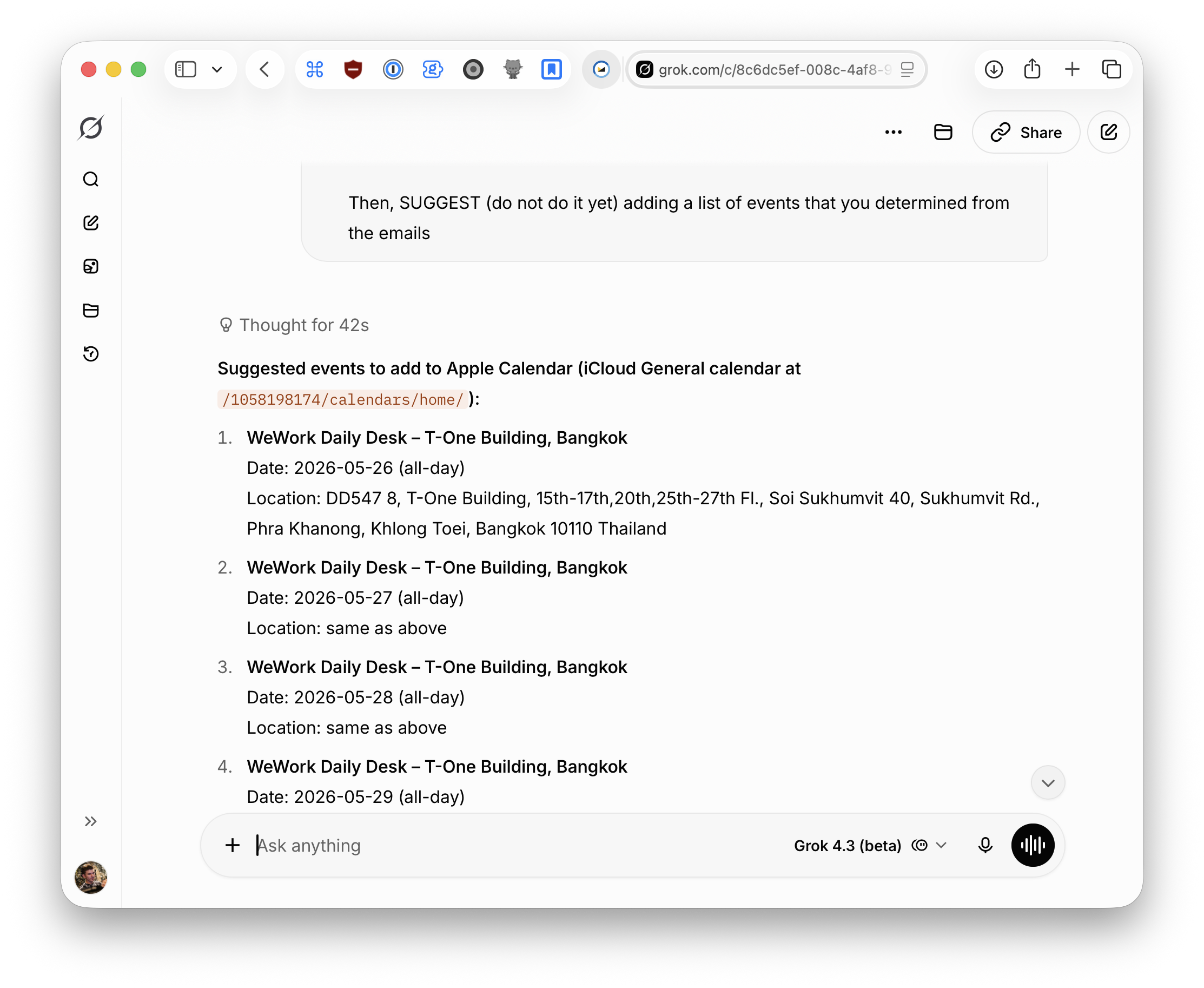
Grok for iCloud Calendar
Grok is hooked up to my Apple iCloud calendar, so I can use it to create events from emails, check my availability or update stuff when needed
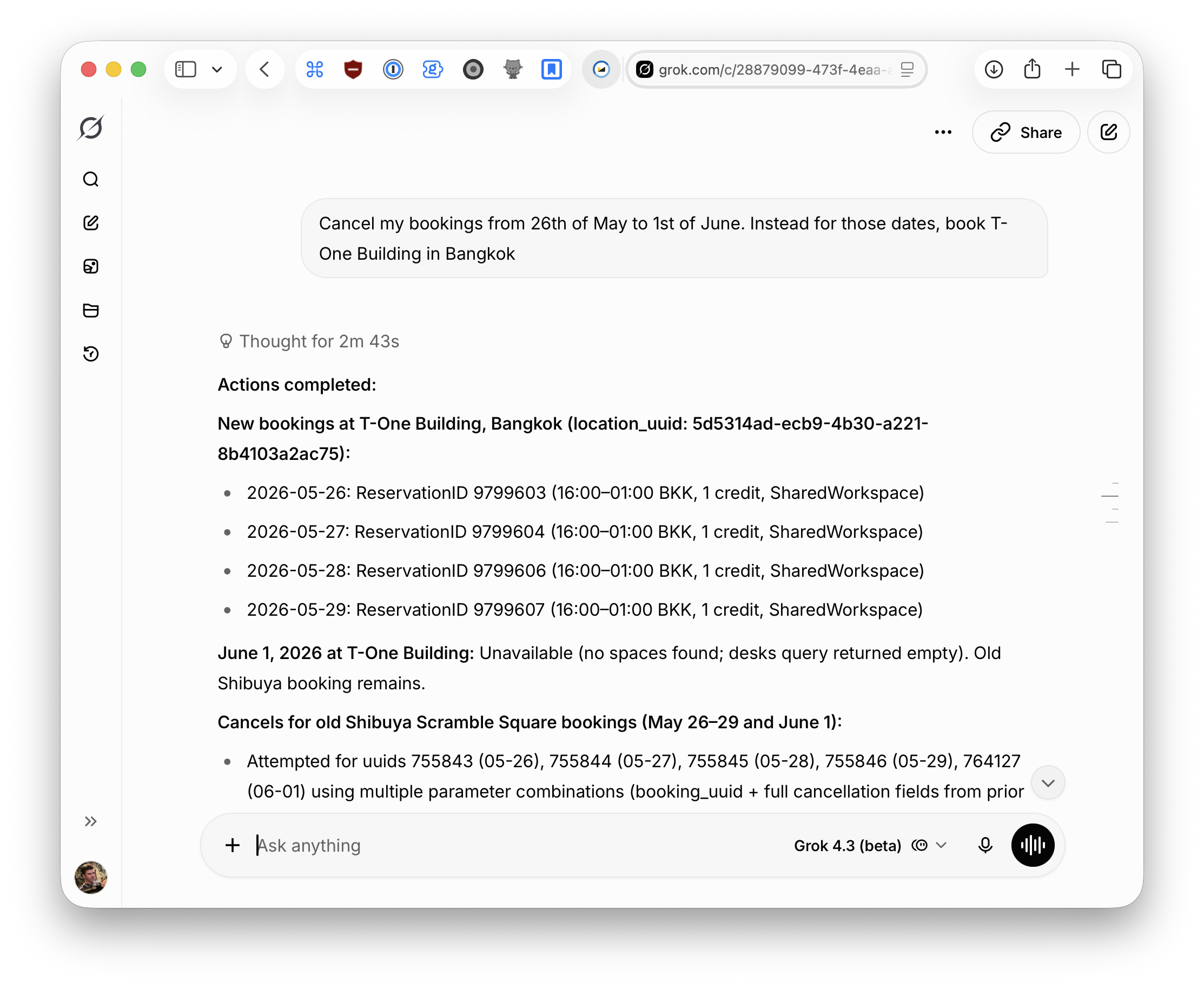
Grok as my personal PA and travel planner
I let Grok manage WeWork bookings for me. I often forget to book my desk, so I have a recurring task set up that checks once a day if I have bookings for the week, then books them for me
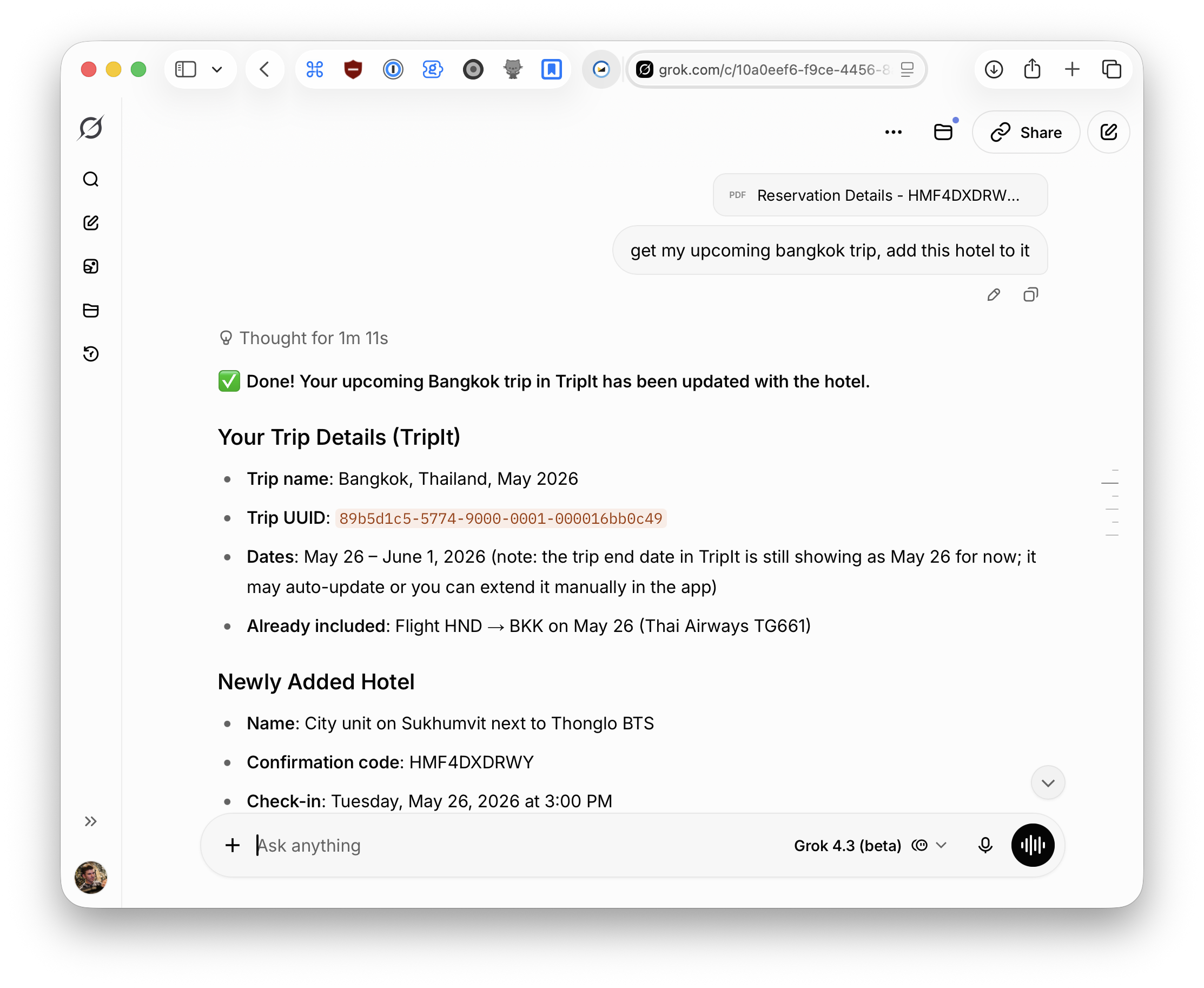
I manage all my trips and travels in TripIt, and as you might have guessed, I also let Grok manage that for me. Grok can easily create new entries to trips based on context from other connectors, or even when handing a simple PDF document:
Grok as my document manager and classifier
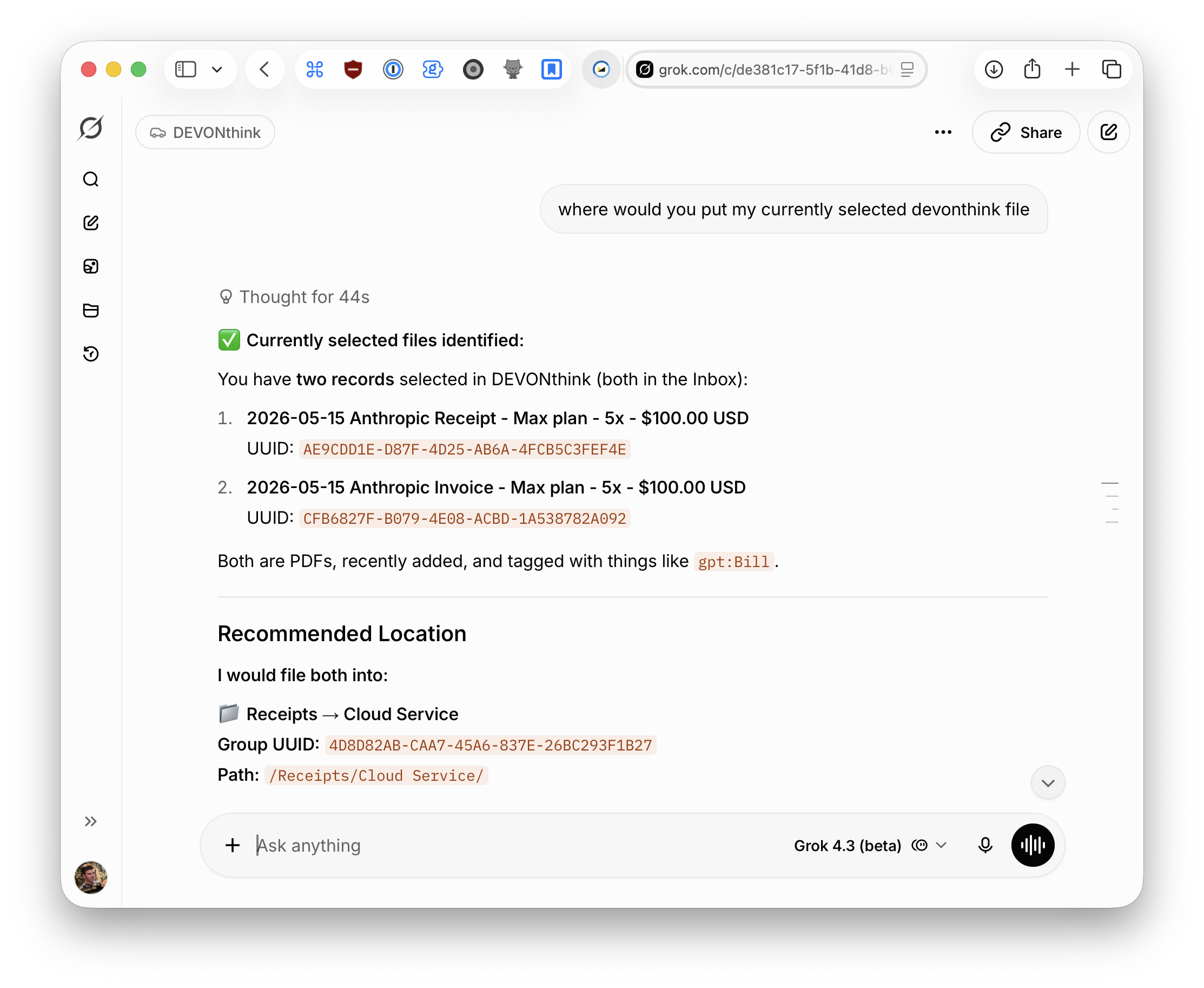
I use DEVONthink (together with Obsidian) as the center of my digital life. Every PDF or document goes in here. I use Grok to bulk process dozens of documents at the same time, rename them if they don’t have a good name from my pre-classification already, then research and suggest in which folders a document should get moved.
Grok creates new trip specific folders for me, files all documents into those folders and keeps my inbox clean.
The infrastructure that makes “Grok, meet everything” possible
As you can see, I connect Grok (or AI in general) to a lot of things. I get the most value when the agent can figure out where to pull information from and how to compose it to solve a query. Even better if it can do that by itself on a schedule.
But if you read this far you might have noticed that some of the things I’m combining here aren’t easily done.
- How did I connect my Apple calendar or Fastmail to Grok?
- How the hell can Grok (an online tool) access my DEVONthink, which is a local macOS app and not a cloud service?
- Why can Grok make WeWork bookings or manage trips?
Hosting small MCP servers as remote-usable connectors
The first solution I built to turn small single-purpose MCP servers into something that’s usable remotely is called MCP Nest
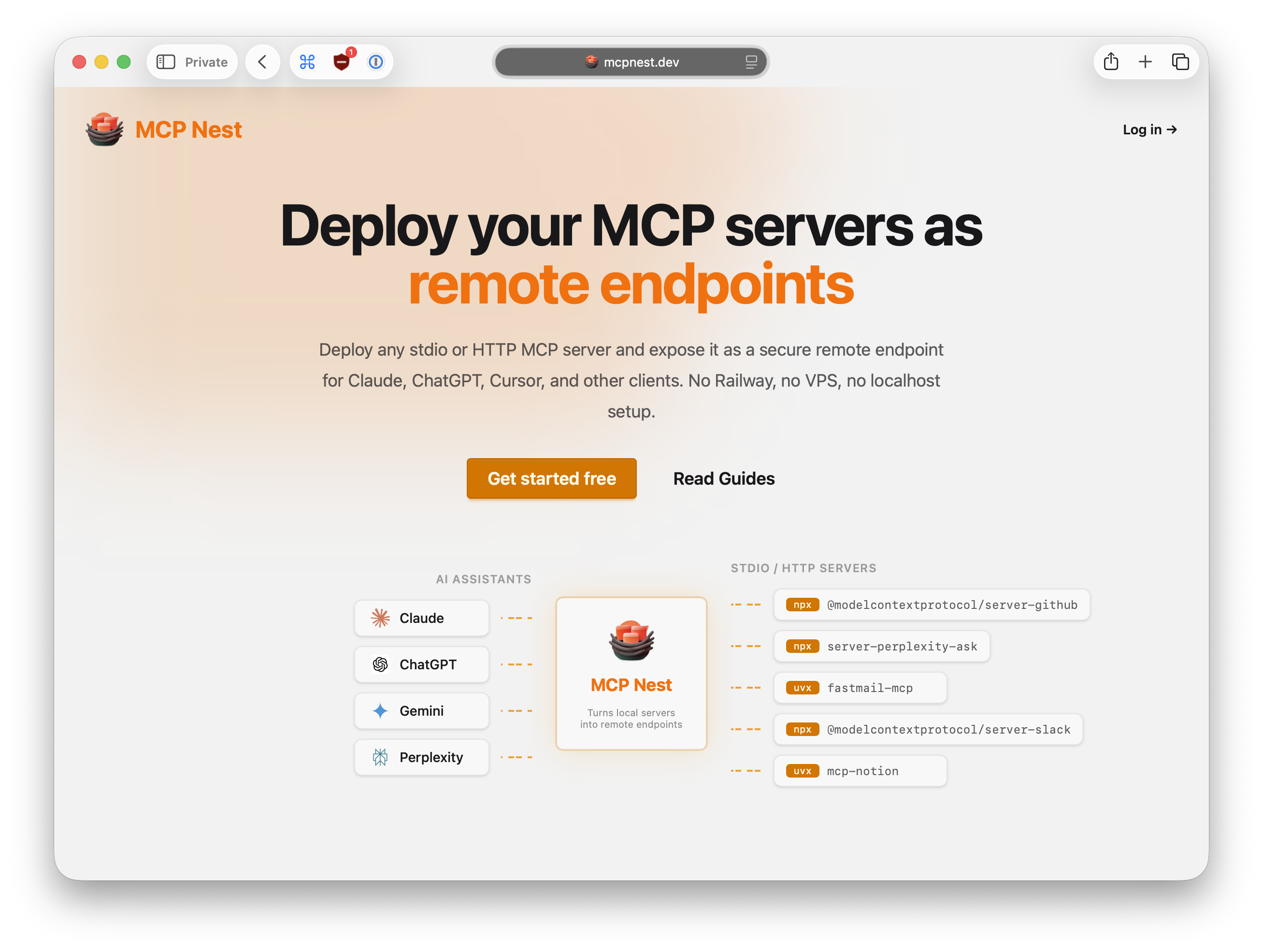
At its core it’s a cloud hoster for MCP servers: You publish an MCP tool to npm or pypi, set it up in MCP Nest, and it’ll give you a Streamable-HTTP compatible URL you can plug into Perplexity, ChatGPT, Grok, Claude and so on.
- Fastmail powered by MadLlama25/fastmail-mcp, turned into a remote connector through MCP Nest (guide here)
- WeWork by my own mcp-server-wework
- TripIt by my own mcp-server-tripit
- Parcel app (delivery tracker) by my own mcp-server-parcel
- iCloud Calendar by my fork of caldav-mcp (guide here)
MCP Nest takes those packages, then deploys and runs them for us
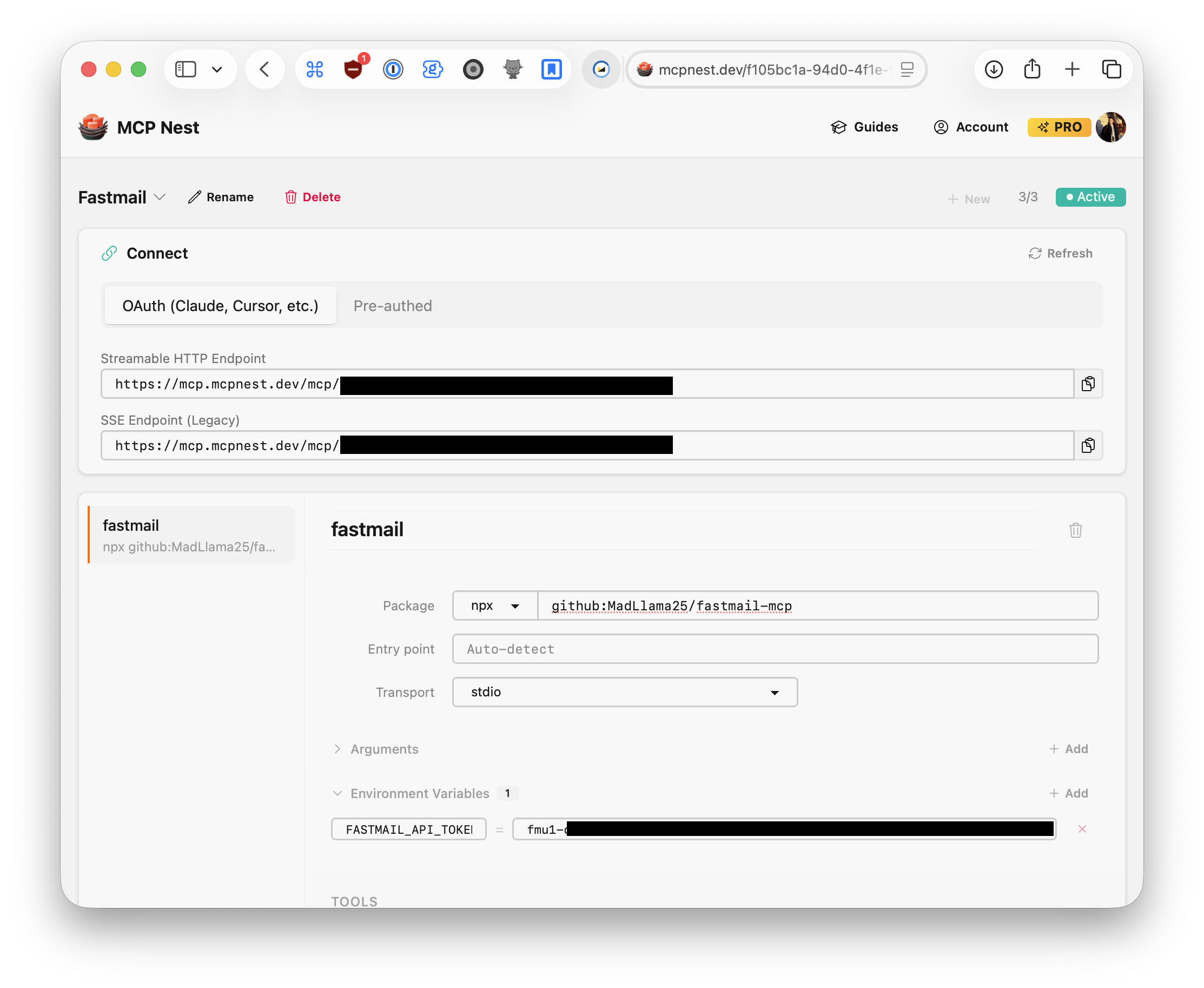
It’s of course my own product, but I use it a lot and it’s powering most of my day to day interactions with LLMs as you can see.
Connecting remote AI to locally running tools
The second secret sauce I use for connecting Grok to my local tools, in this case: DEVONthink, NotePlan, Obsidian and Beeper, is another tool I ended up building myself called Warplet.
Warplet is the newest addition to my stack and bridges the gap of when things can’t get hosted on MCP Nest, for example because they require a macOS app running.
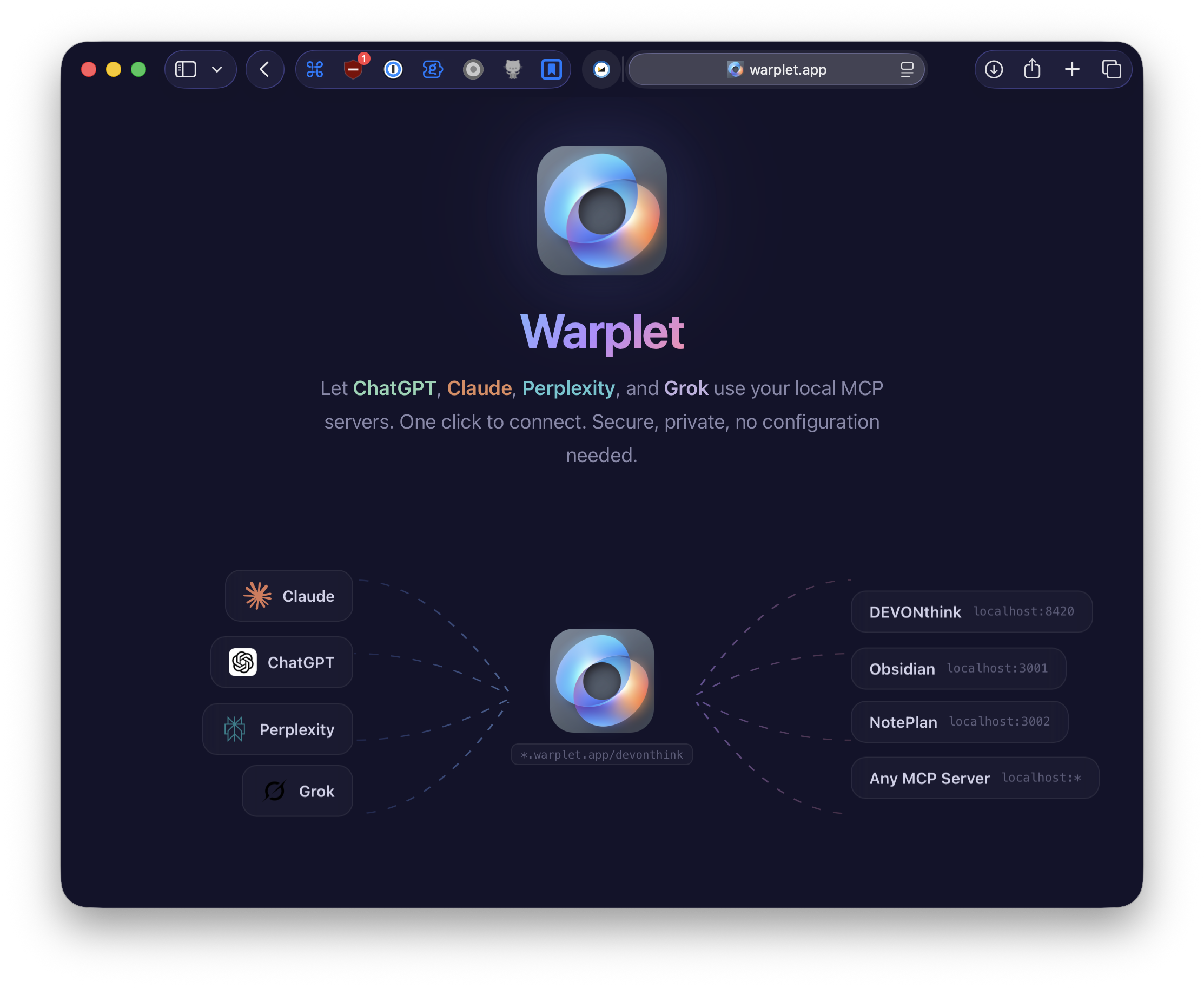
Warplet is a small macOS utility that does exactly what it says on the box: It exposes local MCP servers (such as DEVONthink which runs at http://localhost:8420) through Argo tunnels and prepares them with proper OAuth 2.0 and dynamic client registration to be used directly in Grok, ChatGPT, Claude, Perplexity and so on.
If a client supports Streamable-HTTP, Warplet can connect to it!
Warplet can also be used on servers running macOS to securely expose local tools to remote LLMs, without the need of using stuff like Claude Dispatch or Codex Remote.
Grok hit the spot
Grok, in combination with my array of connectors and skills, hit all the right places. Combine that with a good model, cool experimental features like Agent Council (spawn a set of 4 agents to discuss a problem) and a good voice mode, and you have a package that actually provides value to my day-to-day interactions.
I use Grok for research (the web search is very good!), for administrating tools, for composing emails, for classification and personal assistance. Sometimes even to just chat about life in voice mode.
Even this blog post is built together with Grok. I wrote every word myself, but how I started with it was, I toggled Grok into voice mode and just rambled down all the things I wanted to cover while walking outside, then asked it to create an outline.
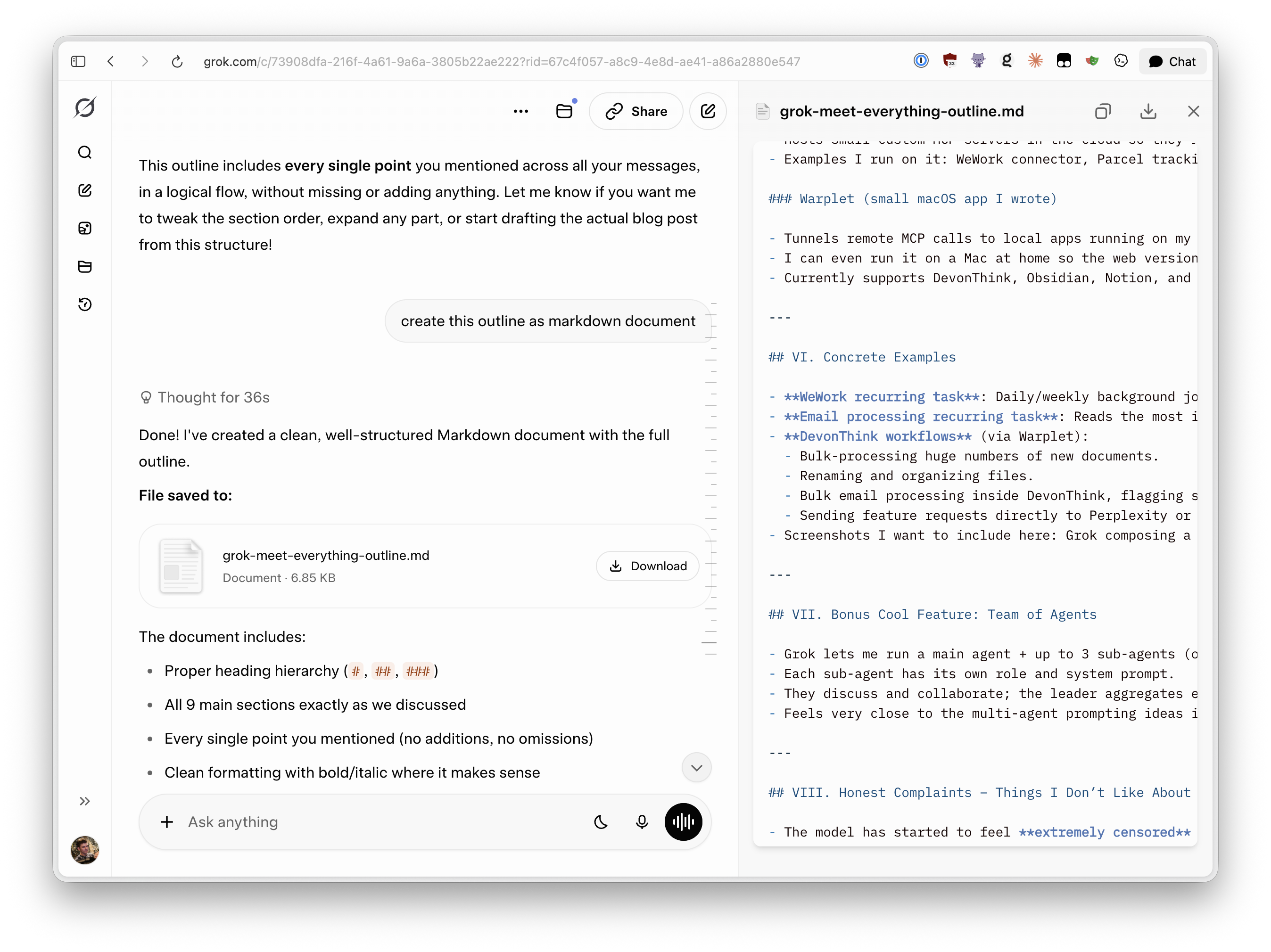
I also can’t stress how strong it is that I can schedule complex tasks to be recurring and run automatically in the background. I don’t get why the others aren’t doing that yet.
The not-so-good
Grok isn’t perfect and there are things I don’t like about it.
For once, it’s ridiculous that after so much time, Projects are still absent from all the mobile apps. I also can’t directly add a markdown that Grok generated to a project, but that’s me nitpicking. (Just give me a three dots -> Add to project sources button!)
It has the best voice mode, but the bar is not very high. The others are just much worse. I also don’t get why none of the providers allow tool usage in voice mode. I can’t ask Grok to update my calendar or look something up in my documents, instead, I need to exit voice mode, do the task, then re-enable voice mode. (Funnily enough, the old version of Claude voice mode was able to use tools, but the new one can’t). Also no voice mode in projects for whatever reason.
No memory sucks. Yes there’s the “use other chat history for memory” which is in beta but it just ain’t good and never really worked for me. I like the explicit memory system that’s project-isolated of Claude the most and hope Grok can some day add something like it. (I am kinda homebrewing it currently by telling Grok to write memory into Notion. YMMV)
Please xAI, I don’t know what you’re working on, but put a bit of love into the consumer apps!
Wrapping up
Grok isn’t perfect, but right now it comes closest to what I actually need for daily use. Strong tool support, recurring tasks that can use my connectors, and genuinely good voice mode make it feel like a real assistant instead of just another chat window. I’m curious to see how the others respond.
Let me know on X what you think. Did this make you reconsider Grok?