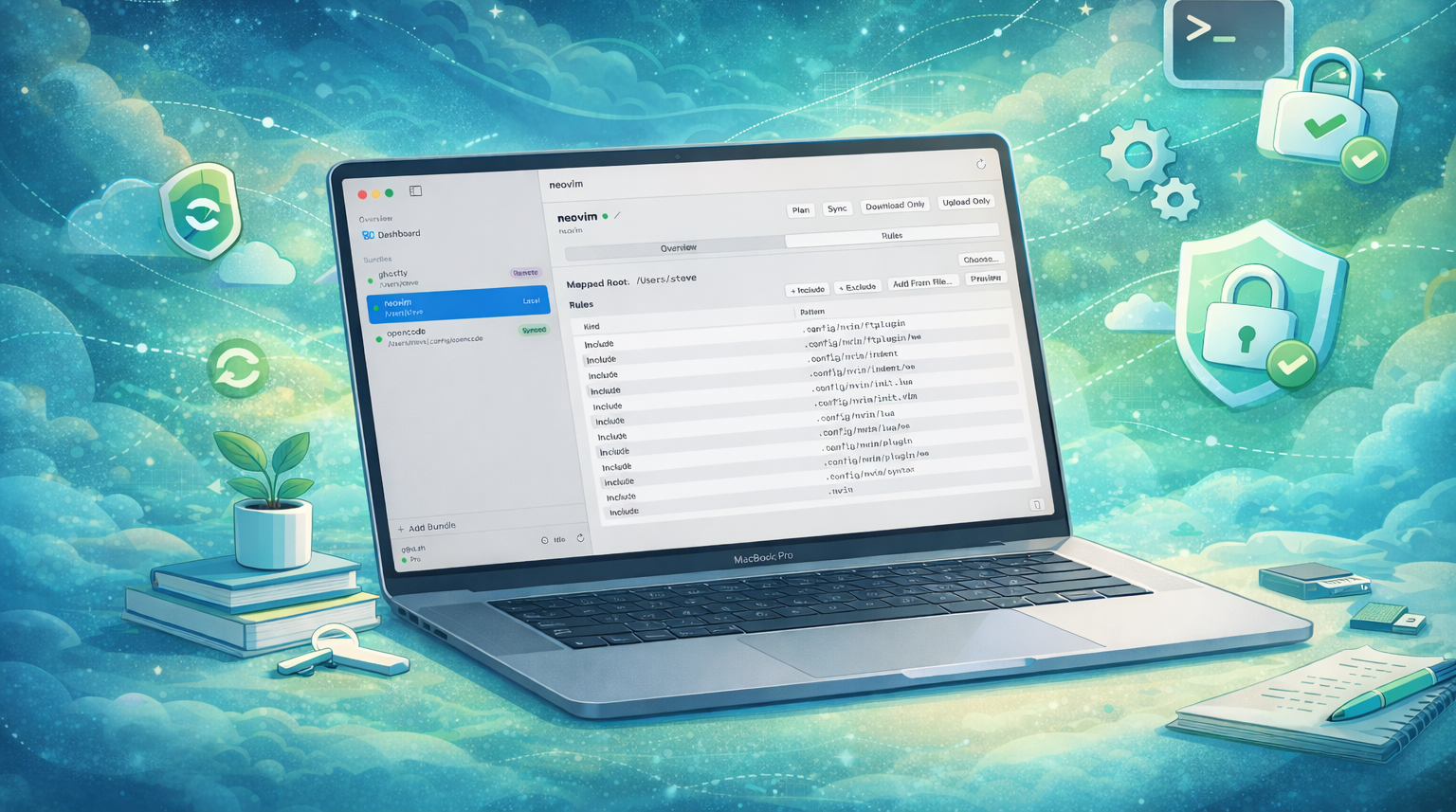
I’m excited to announce the release of ConfigMesh, a new macOS app I’ve been working on to solve a problem I’ve had for years: keeping my application settings and dotfiles in sync across multiple Macs.
Check it out at configmesh.app.
The Problem with Dotfiles
If you’re a developer, you probably have a set of “dotfiles” - configuration files for your shell, editor, git, and other tools. Managing these has always been a bit of a chore.
For a long time, I used a git repository and some symlinking scripts (like many of us do). It works, but it requires manual intervention. You have to remember to commit changes, push them, pull them on the other machine, and run the install script. If you forget, you end up with out-of-sync configs and weird behavior.
And then there’s the issue of secrets. You can’t just commit your API keys or private tokens to a public (or even private) git repo without feeling a bit uneasy.
Enter ConfigMesh
ConfigMesh takes a different approach. It’s a native macOS app that runs in the background and watches your config files for changes. When a file changes, it automatically encrypts it and syncs it to your other machines.

Key Features
🔒 End-to-End Encryption
This was a non-negotiable for me. ConfigMesh uses end-to-end encryption with a key that you generate and own. The data is encrypted on your device before it ever leaves your machine. This means even if the sync server is compromised, your data is safe. Your key never leaves your device.
⚡️ Smart Syncing
The app intelligently diffs your config files. It doesn’t just blindly overwrite things; it checks for changes and only syncs files that have actually changed across machines, keeping everything in sync without you thinking about it.
🎯 Granular Control
You have full control over exactly what gets synced. ConfigMesh uses a powerful rules engine that lets you specify files and directories using standard glob patterns. Want to sync your entire .config/nvim folder but exclude lazy-lock.json? Easy.

🕰️ Time Machine for Configs
Ever messed up a config file and wished you could go back 10 minutes? ConfigMesh keeps a version history of your files. You can roll back to any previous version with a single click.

What can you do with it?
- Keep Vim settings in sync: Have your perfect Neovim setup available on all your local machines and servers.
- Backup AI Skills: Store and sync your custom skills for OpenCode and Claude Code so your AI assistant is always ready.
- App Configurations: Save and restore configurations for apps like Xcode, Mail, Terminal, and more. If you get a new Mac, just install ConfigMesh and your environment is ready.
Native & Fast
ConfigMesh is built as a native macOS app. It’s designed to be lightweight and unobtrusive. It sits in your menu bar and does its job without getting in your way.
Roadmap
I’m just getting started. Here is what is coming next:
- Bring Your Own Storage: Soon you’ll be able to pay a one-time fee and bring your own storage (starting with Dropbox).
- Server Support: I’m wrapping up a Unix utility that will allow you to sync your files to headless servers.
Try it out!
I’ve been using ConfigMesh internally for a while now to keep my work and personal Macbooks in sync, and it’s been a game-changer. No more “wait, why is my alias not working?” moments.
You can download it today at configmesh.app. It currently comes with a $5/month plan that includes fully managed, secure cloud storage.
Let me know what you think!